1
2
Find the Customer #
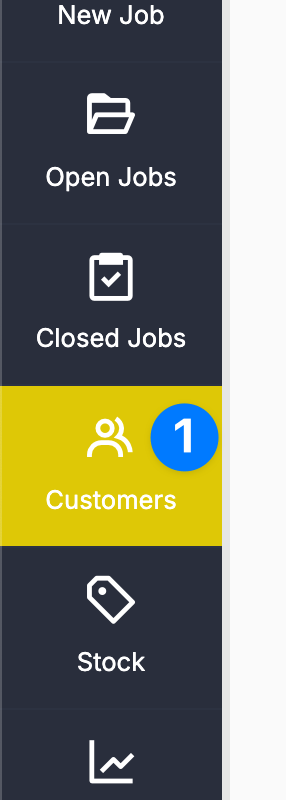
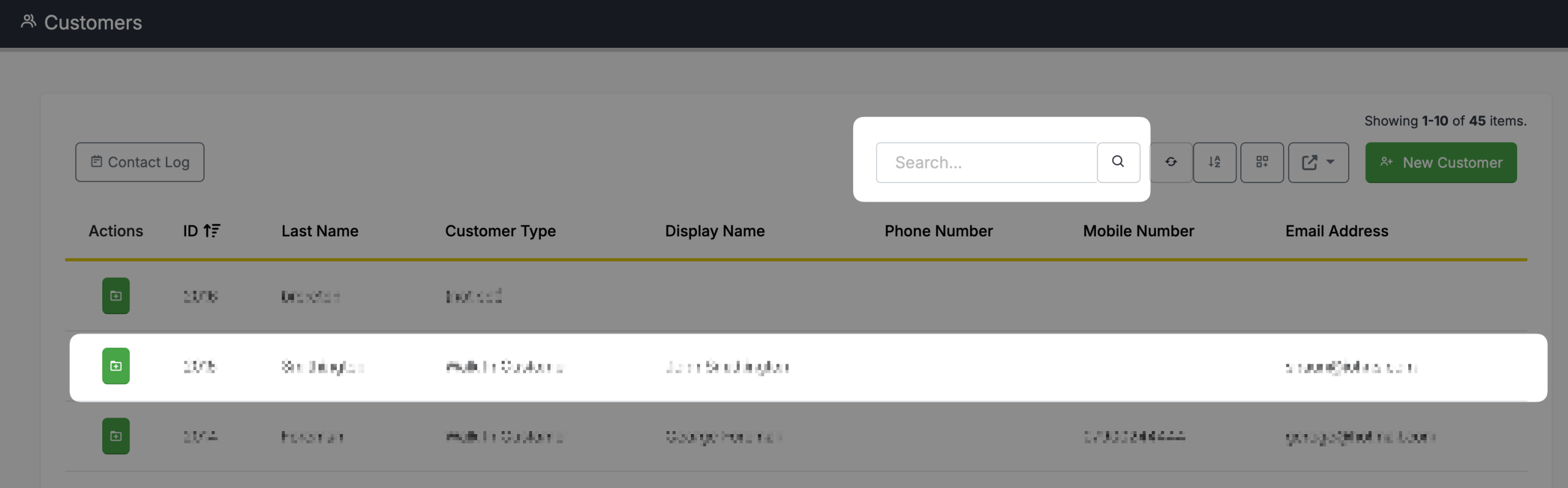
You can search for a customer on this screen by typing a search parameter into the search box. Once you have found the customer, simply click on the customers name in the grid.
3
View the Job History #
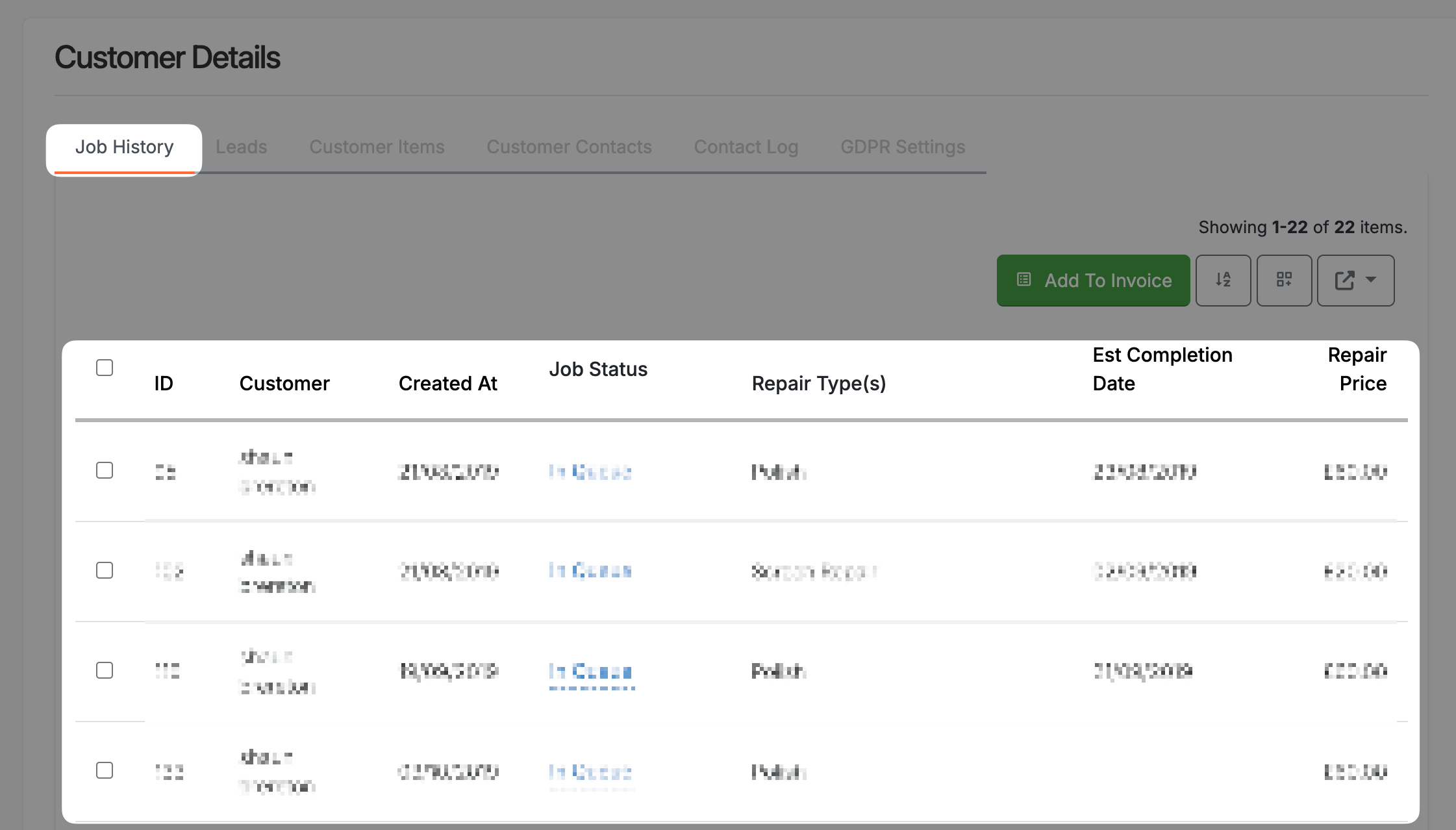
Once the Customer’s screen is open, the Job History tab is already open. In there, you can see a grid with a list of all the jobs the customer has had in with you. To view any of the jobs, simply click the row in the grid.