Know the customer behind every repair
Keep contact details, preferences, related people, items and repair history together. Give your team the context to serve each customer consistently, from the first visit to the next repair.
Keep useful customer details in one place
Store the information your team needs to recognise and support each customer. Add contact details, address, notes and preferences, then refer back to the same profile when new work comes in.
- Customer contact and address details
- Notes, preferences, flags and special terms
- Related contacts for businesses, families and other customer groups
- Communication preferences for each additional contact
See the full story behind repeat work
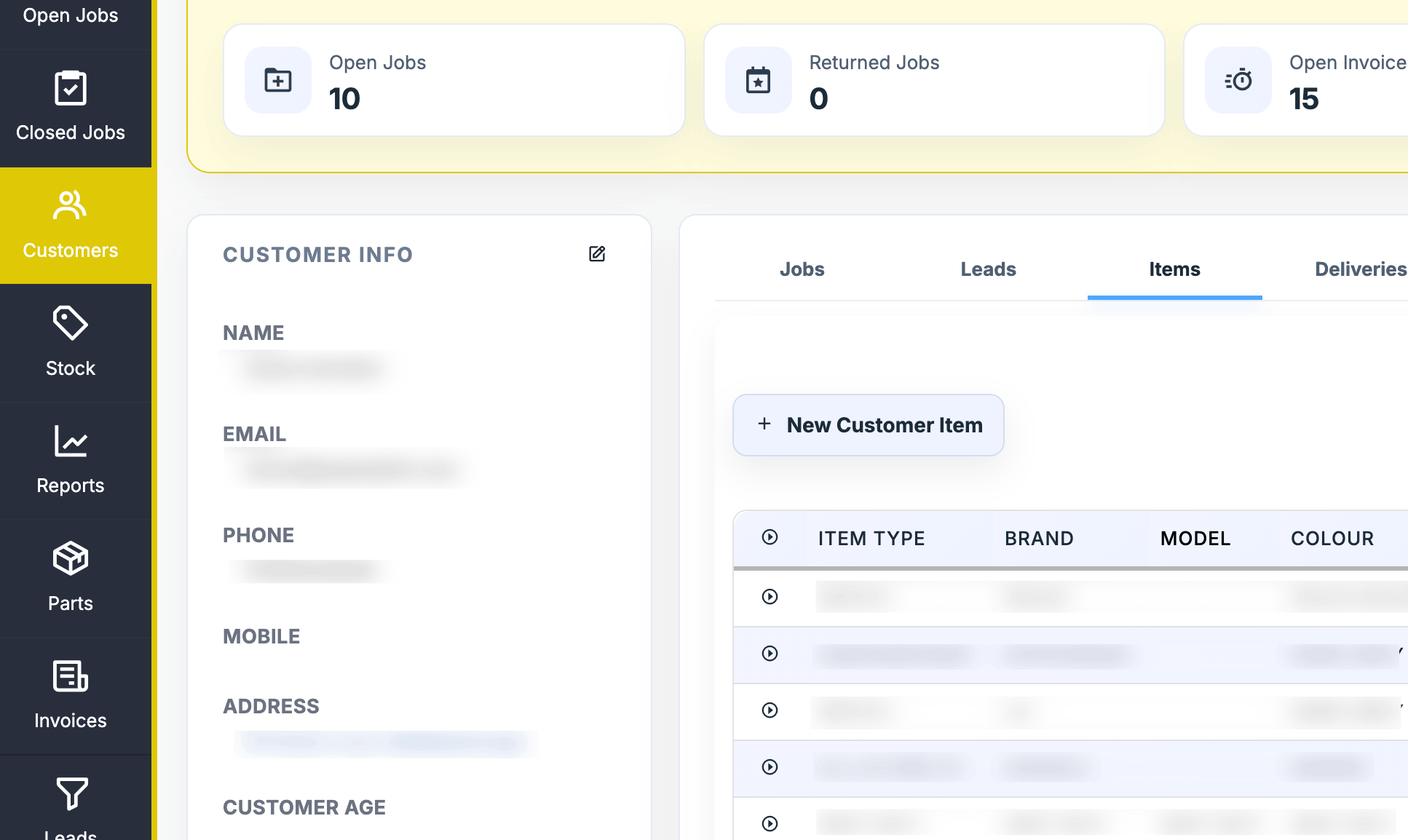
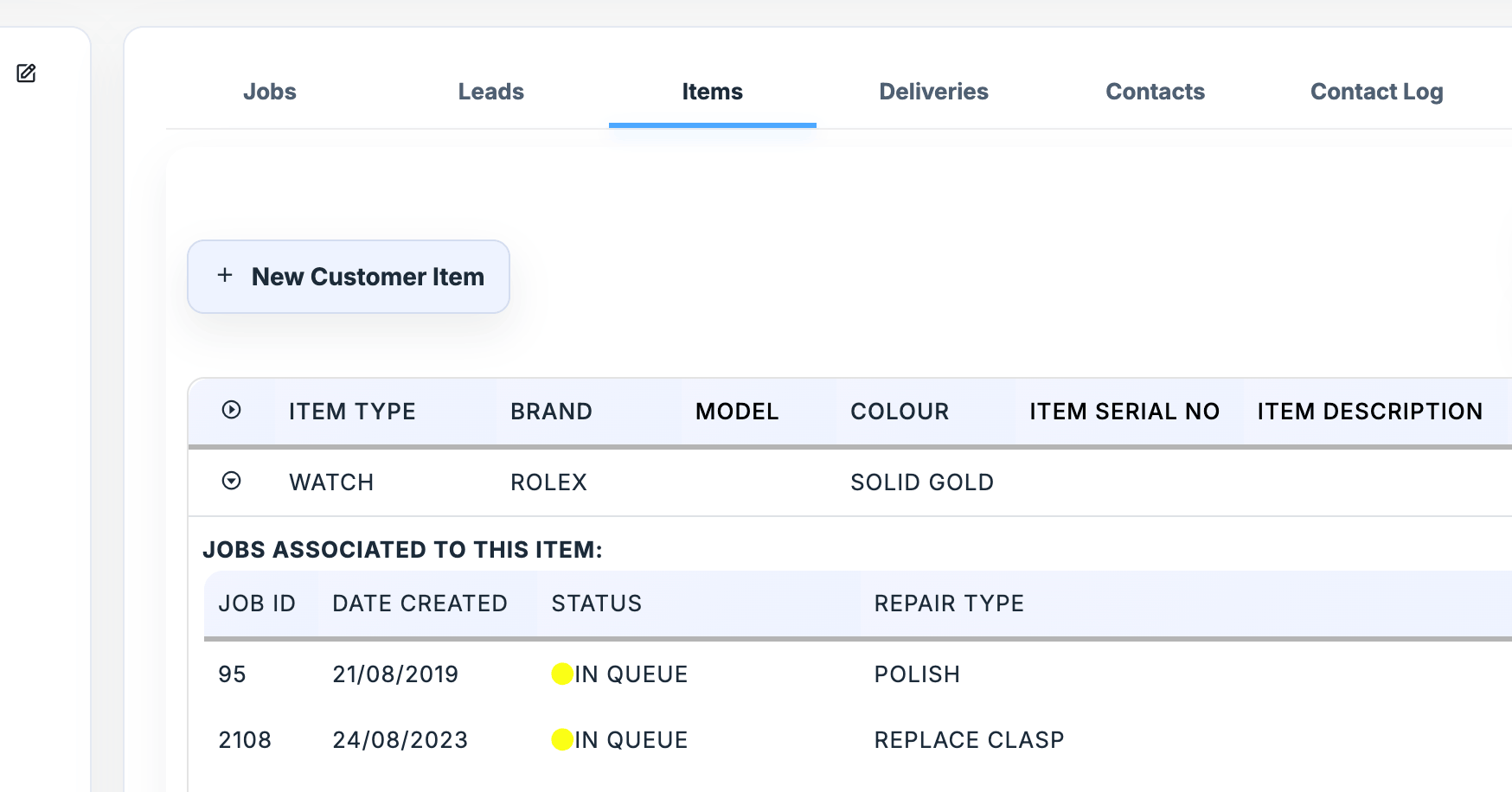
Link a customer to their items and jobs. When they return, your team can check what has already been repaired and review relevant notes, attachments and outcomes.
- Keep multiple items on a customer profile
- Record item details such as brand, model, colour and serial number
- Open related jobs and review their notes and attachments
- Filter customer and job records by store in multi-store setups
Reach out with the right context
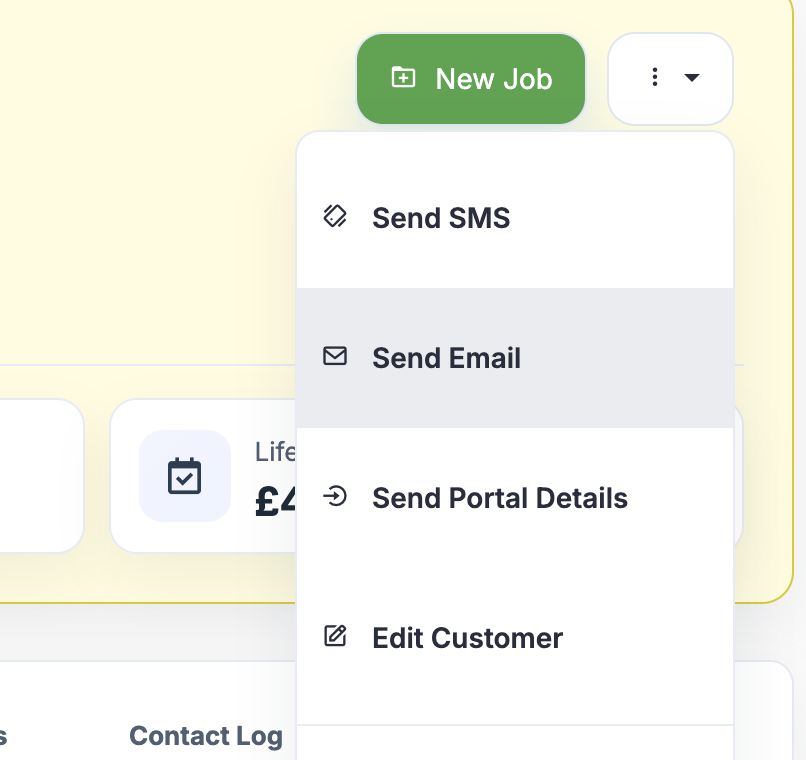
Send emails and SMS from the customer profile, and keep customer-specific notes alongside their record. For two-way SMS and WhatsApp conversations, link the conversation to its customer and job in Repair Pilot.
- Contact customers from their profile
- Use message templates for common updates
- Keep customer and repair details connected to Conversations

Record consent and manage customer data requests
Keep consent decisions and how they were captured on the customer record. Use the available tools to support data export and erasure requests, and keep an audit trail of customer record updates.
- Record consent to store details, contact about repair work and marketing
- Keep the consent method with each decision
- Use data export and erasure tools when handling customer requests
Don’t have time to trial different software?
We get that!
Book a short demo with our team, or start a free 14-day trial and explore Repair Pilot at your own pace.
14-day trial, no credit card or commitments required.