1
Adding a New Customer when Booking a Job #
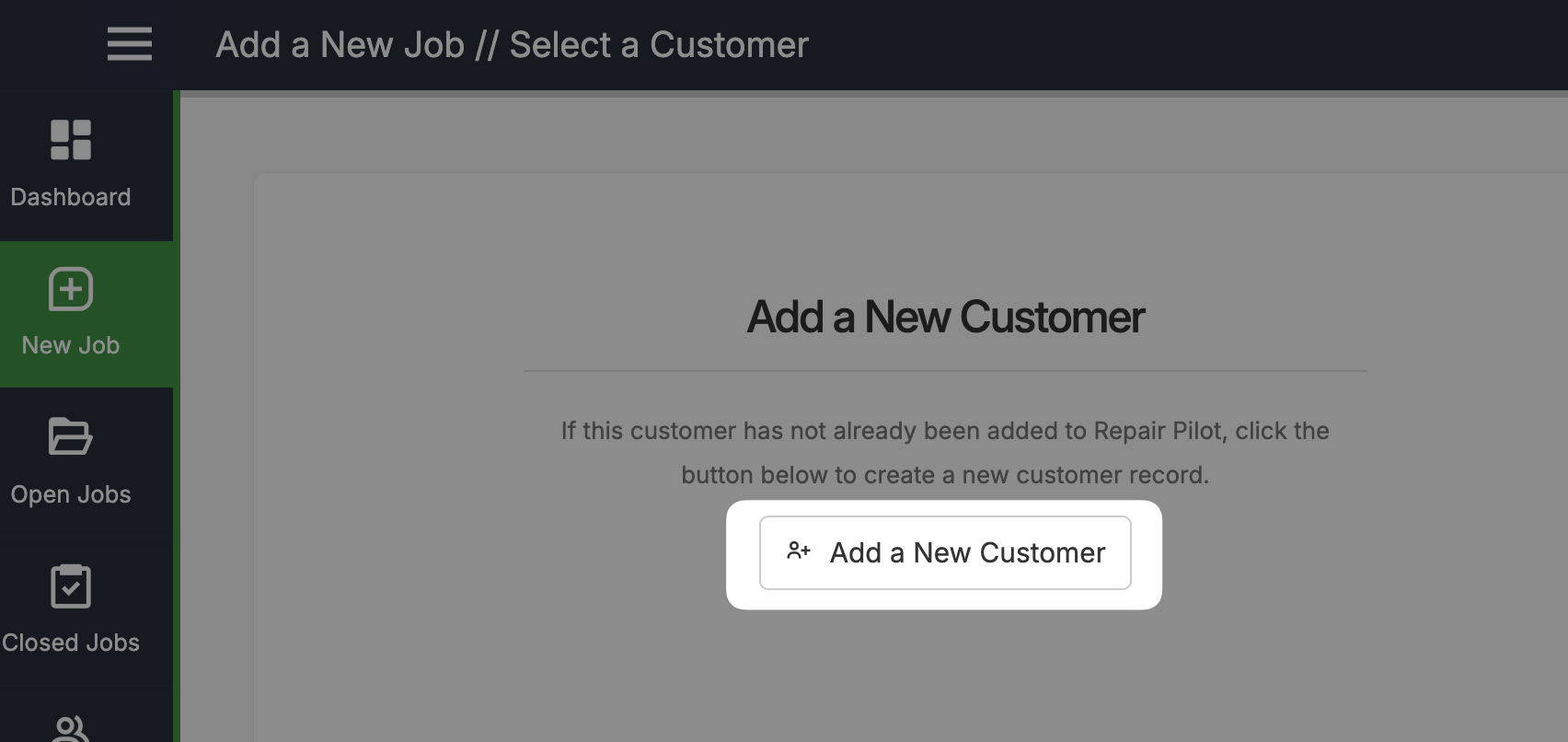
The most typical location would be when adding a new job. When you have clicked on the ‘New Job’ menu item, click the Add a New Customer button.
1a
Adding a New Customer from the Customer Screen #
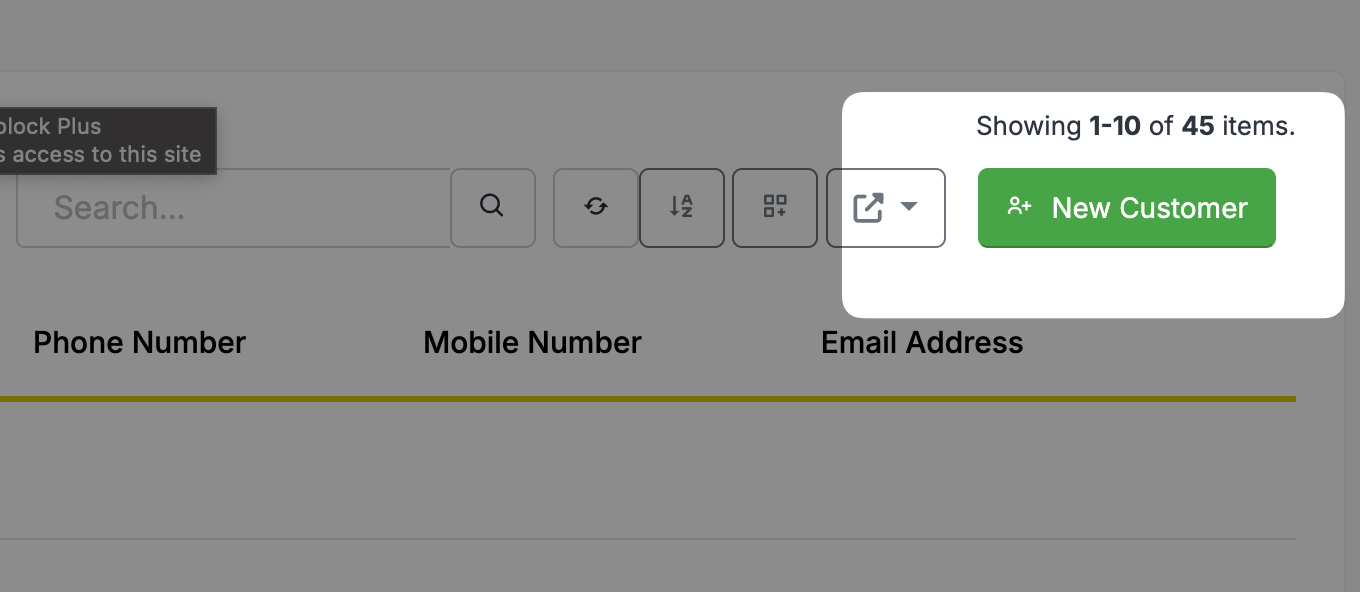
You can also add a new customer via the Customers screen.
2
Enter the Customer Details #
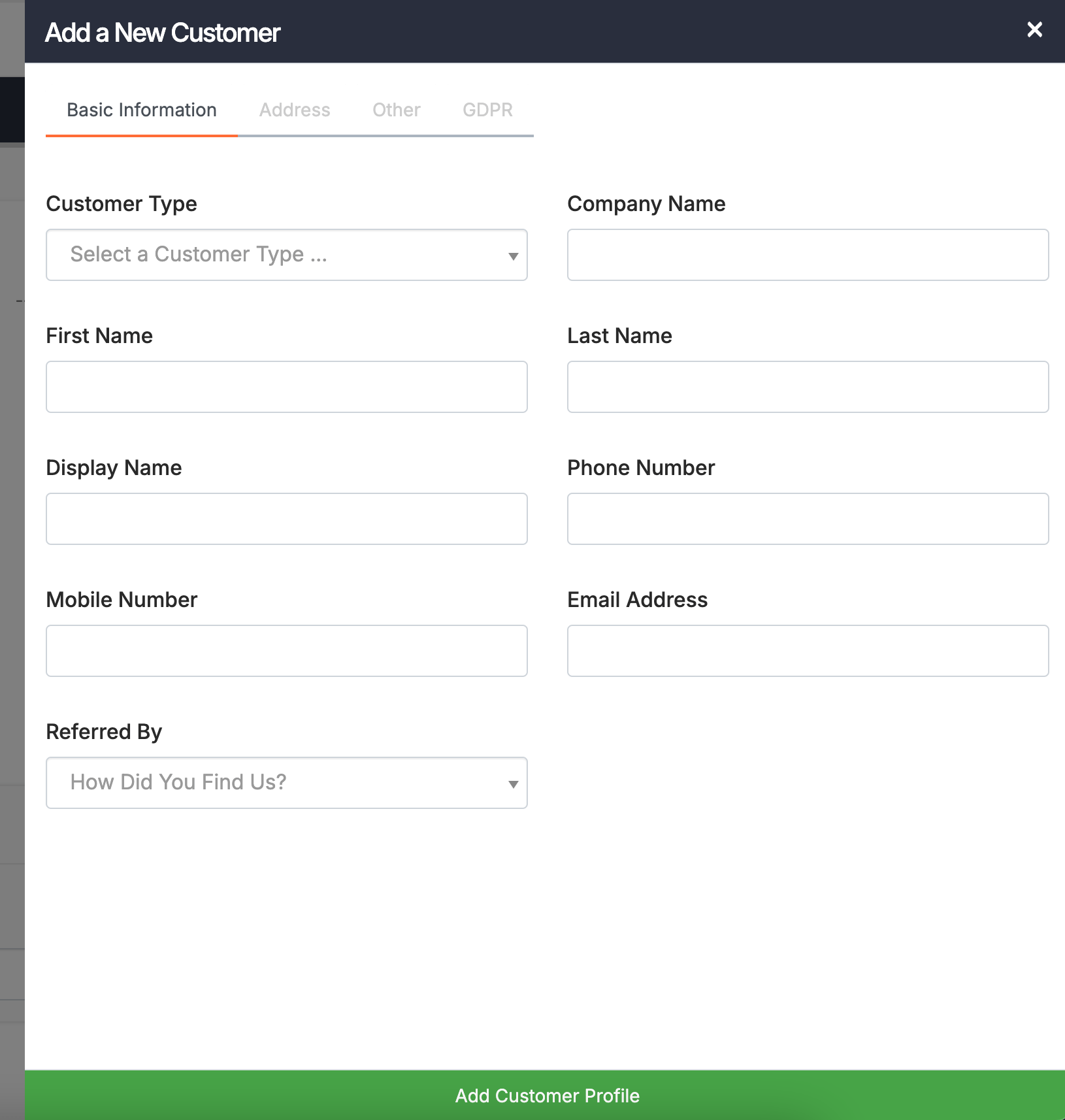
Once you have clicked on one of the buttons above, you will be presented with the Add a Customer form. Enter the required details here. There are multiple tabs where you can enter more in depth data if required.
You can also add your own custom fields to this section, if you wanted to store more data against a customer.
Once you have entered the required fields, click the Add a Customer Profile button at the bottom of the form.