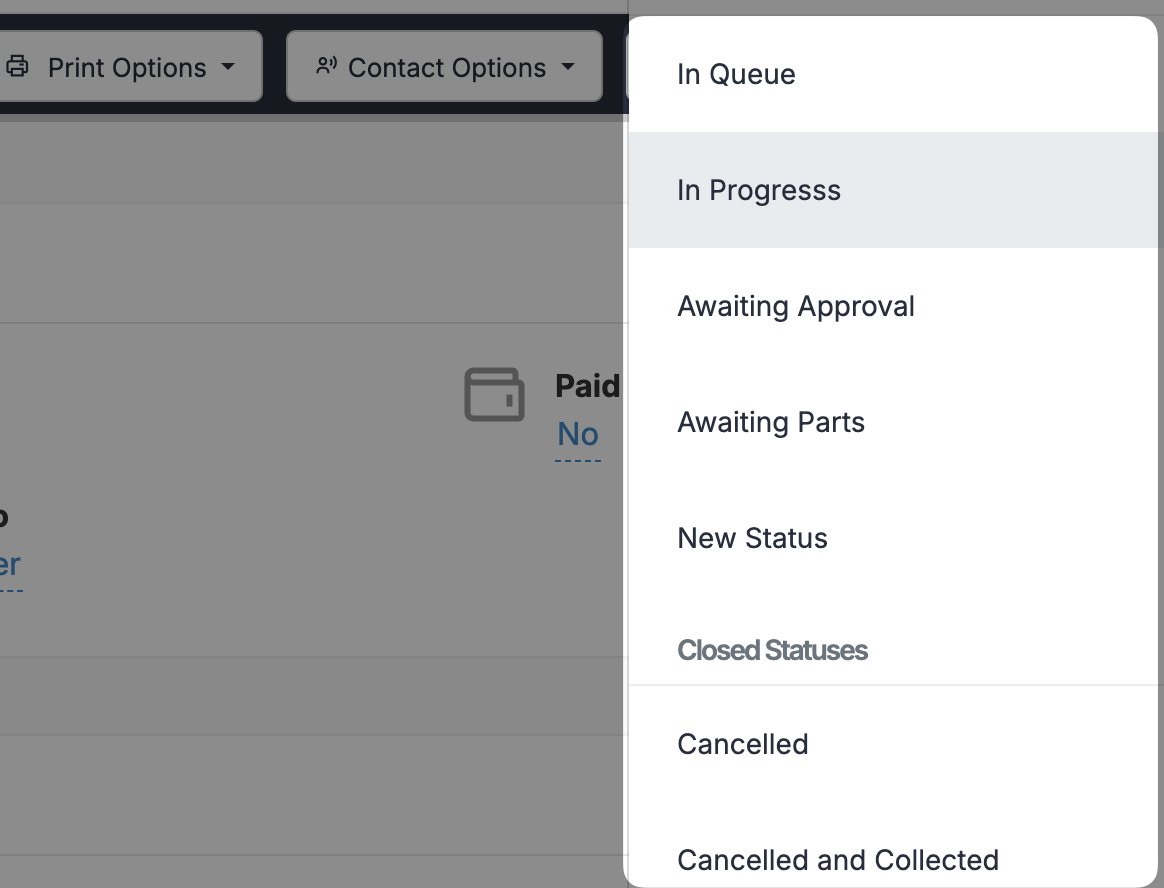
There are a few ways to change the status of a Job within Repair Pilot. You can do it in bulk (guide here), and you can do it via the job sheet page, of the individual job page. Both of these are shown below.
1
Click the Open or Closed Jobs Menu Item #
Head to a job sheet page by clicking on Open or closed Jobs in the main menu

2
Change the Status via the Job sheet #
Once you find the job on the job sheet, you will see the status on that row, underlined.

Once you click on that status, simply select the new status and click the blue check button.
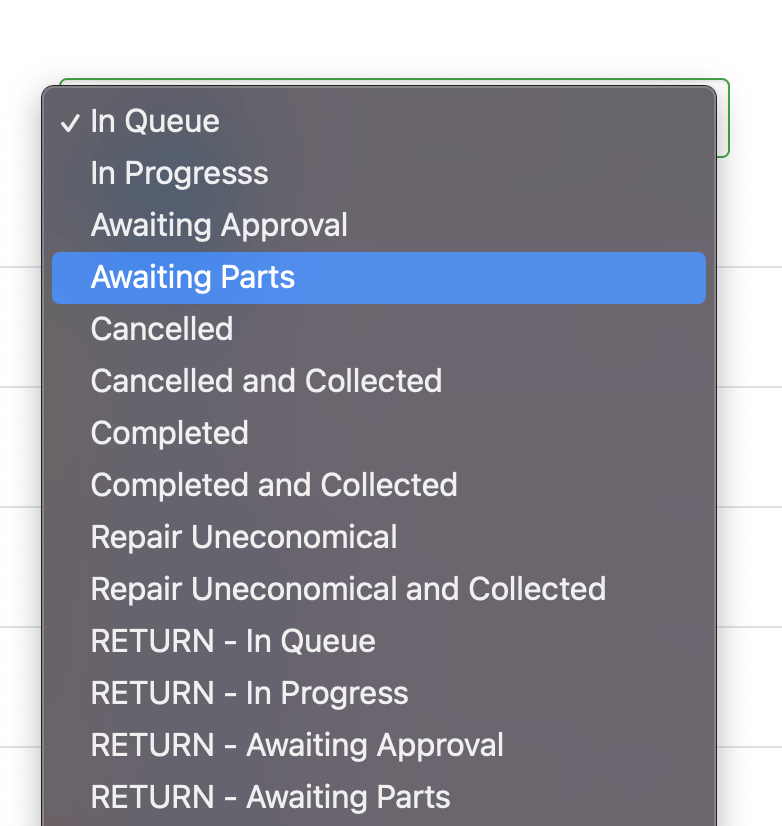
3
Change the Status via the individual Job Page #
Once you find the job on the job sheet, click on it to open the individual job page. Once there, in the top right of the page, find the Change Status button.

Once you click on it, select the new status.