1
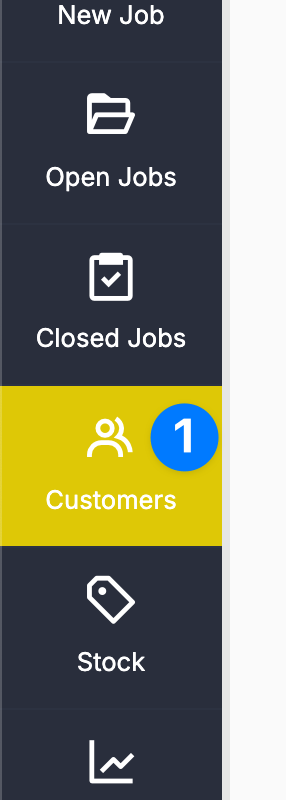
2
Find the Customer #
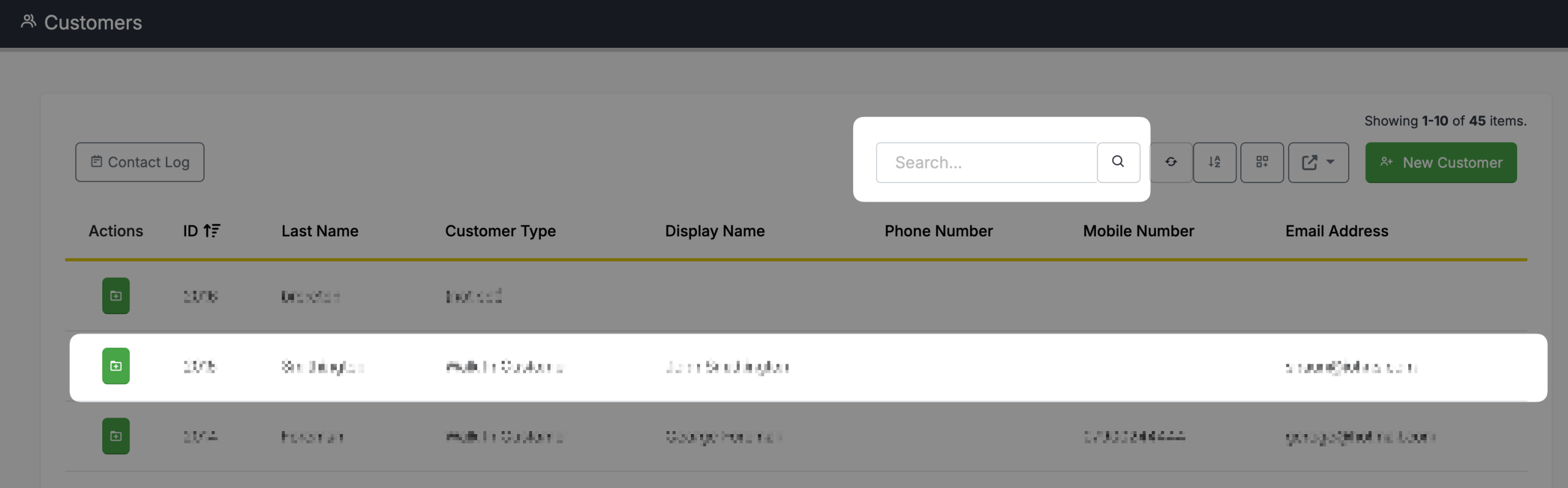
You can search for a customer on this screen by typing a search parameter into the search box. Once you have found the customer, simply click on the customers name in the grid.
3
Delete the Customer #
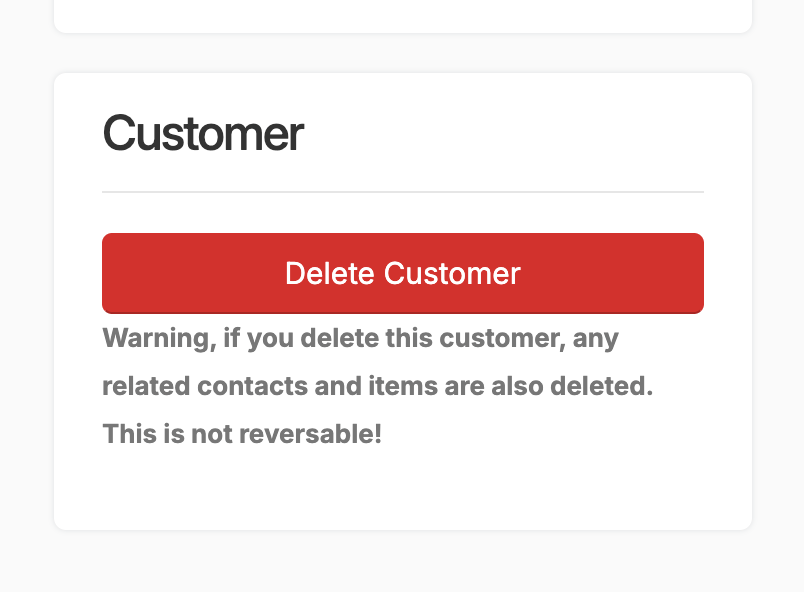
Scroll to the bottom of the screen and you will see a red button labelled Delete Customer. This will delete the Customer and any related contacts and items. This action is not reversible.
Warning, if you delete this customer, any related contacts and items are also deleted. This is not reversible!